@your-account
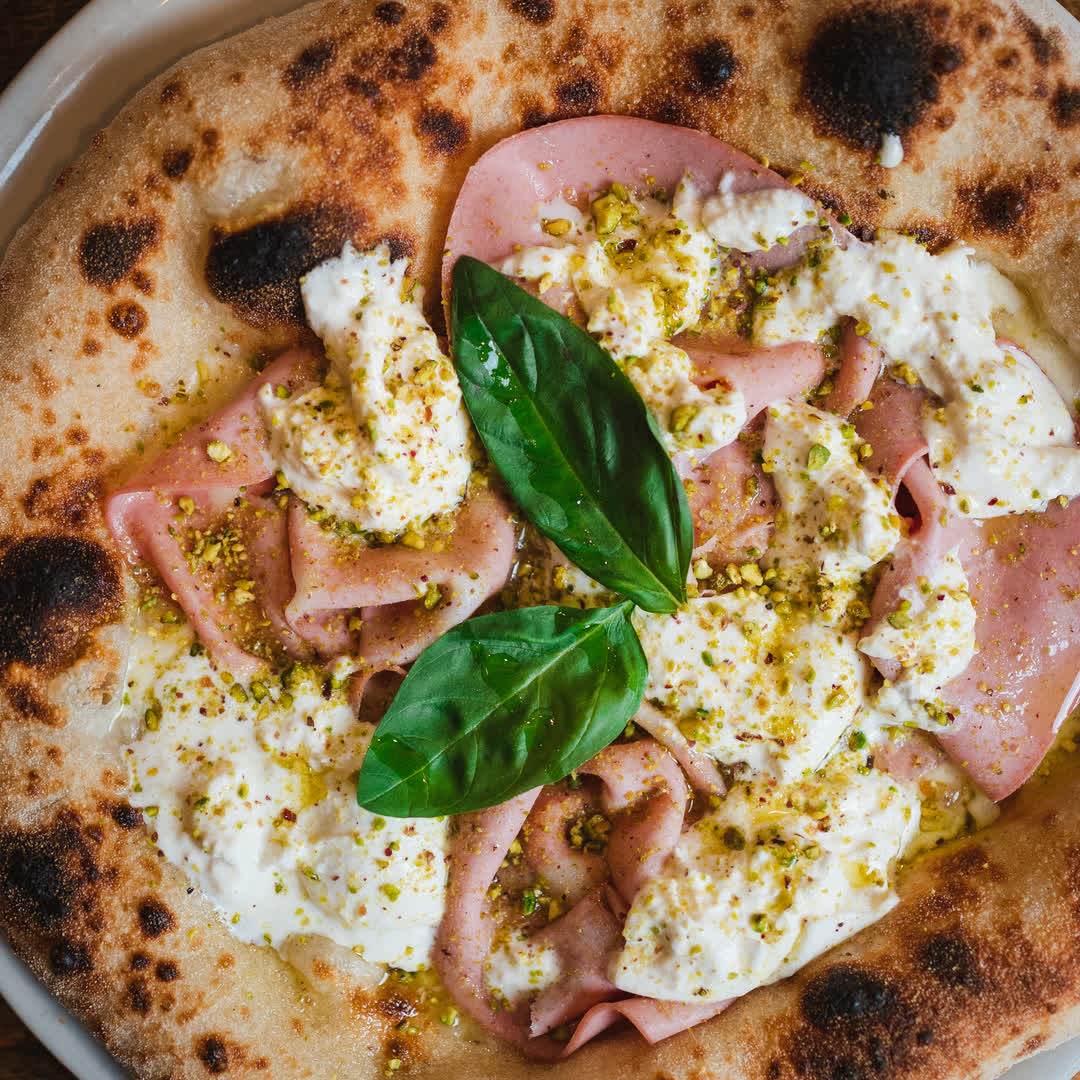
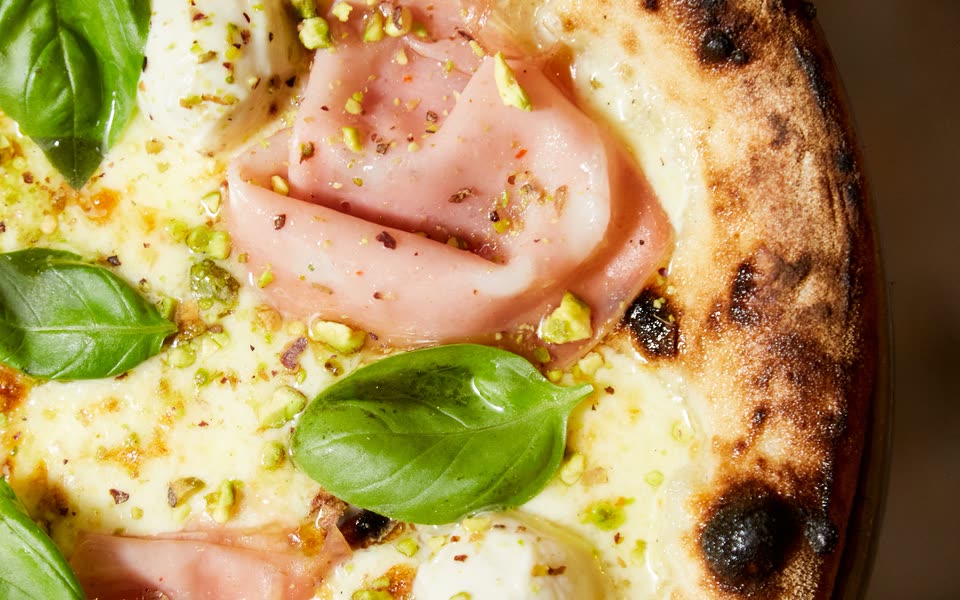
On Saturday we launch the pistachio pizza.
SPUN Studio · For people who run a business
A creative team in one chat: copywriter, photographer, video maker and social media manager, in your own words.
Free to try, with usage limits.
On Saturday we launch the pistachio pizza
Copywriter
For “On Saturday we launch the pistachio pizza”:
Ad
“On Saturday we launch the pistachio pizza.” The oven is on: book your table. See you there.
Newsletter subject
On Saturday we launch the pistachio pizza
Photographer
@your-account
On Saturday we launch the pistachio pizza.
Carry on, or let it finish
You: Write 3 Instagram posts to launch our pistachio pizza. Cheerful tone.
SPUN Studio: Here are three launch posts, with photos and hashtags.
your.place
On the menu from Friday: pistachio pizza with cream, crumble and fior di latte.
your.place

The oven is on from 7pm. Book a table and be the first to taste it.
your.place
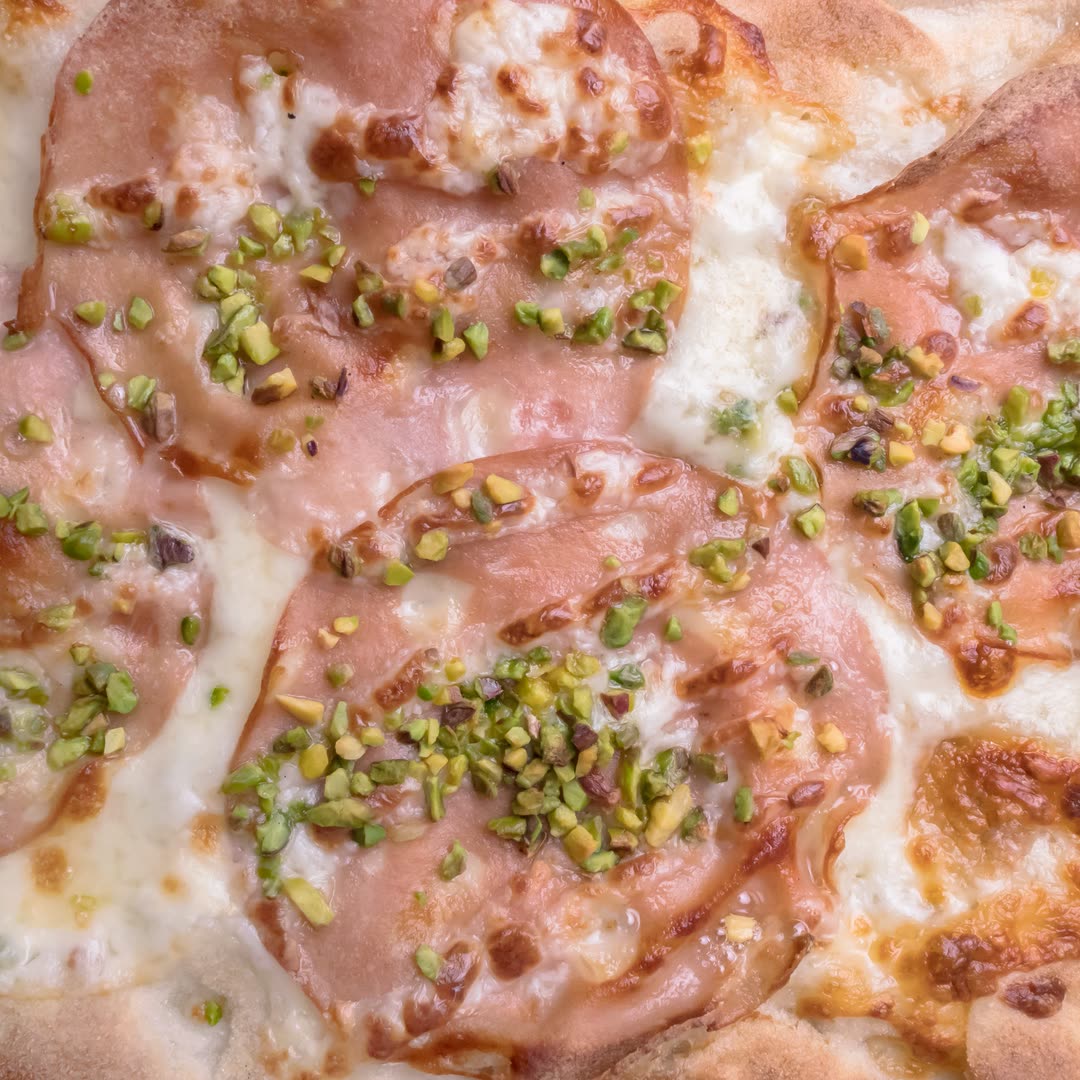
Green outside, gooey inside. See you on Saturday.
You: Blog post: five ideas for a weekend in Matera, about 600 words.
SPUN Studio: Here is the draft: edit it or export it.
Draft · 600 words
Matera is best explored on foot. Start from Sasso Caveoso in the morning, when light pours into the houses carved into the rock.
For lunch try crapiata and durum wheat bread, then walk down to the rock churches along the ravine.
At sunset climb to the Murgia Timone viewpoint: from there the city lights up one window at a time.
You: Product photos for a perfume: four different settings, warm light.
SPUN Studio: Here are four variants. Tell me which one to develop.




You: Animate the photo: steam rising from the cup, warm light. 6 seconds.
SPUN Studio: Here is your 6-second clip.

You: Voiceover for the reel, warm voice.
SPUN Studio: Here is the voiceover. I can change the voice or the pace.
“Pistachio pizza is on the menu from today. The oven is on: see you soon.”
price-list-2026.pdf12 pages
You: What changes in the price list from January?
SPUN Studio: Three items change: home delivery, catering and group menus. The new terms start on 1 January. p. 4
Your week
Write what you need in your own words: SPUN Studio prepares posts, photos, videos and copy in your brand voice, and schedules the posts on your social channels.
What do you do?
Pick your industry: the week fills itself.
You: We launch the pistachio pizza on Saturday: prepare this week's content.
MonSocial post
Scheduled
TueMenu
Ready
WedReel
Scheduled
ThuNewsletter
Ready
FriVoiceover
Ready
SatSocial post
Scheduled
You: The new perfume is in: we need photos, product pages and this week's posts.
MonProduct photo
Ready
TueProduct page
Ready
WedSocial post
Scheduled
ThuProduct video
Ready
FriNewsletter
Ready
SatSocial post
Scheduled
You: The new podcast episode is out: article, cover, clip and posts.
MonCover
Ready
TueTranscript
Ready
WedArticle
Ready
ThuClip
Scheduled
FriNewsletter
Ready
SatSocial post
Scheduled
You: The photography course starts on Monday: materials for the first week.
MonHandout
Ready
TueSocial post
Scheduled
WedLesson audio
Ready
ThuReview questions
Ready
FriEmail to students
Ready
SatVideo lesson
Ready
You: Tax credits are changing: explain it to clients in simple words.
MonSummary
Ready
TueSocial post
Scheduled
WedEmail to clients
Ready
ThuWebsite article
Ready
FriAudio for clients
Ready
SatDocuments
Ready
You: October campaign for three clients: posts, photos and videos, each in their own voice.
MonClient A · post
Scheduled
TueClient B · photo
Ready
WedClient C · reel
Scheduled
ThuContent plan
Ready
FriNewsletter
Ready
SatRadio spot
Ready
Illustrative example
Before and after
A phone photo, a voice note, your PDF menu: the studio turns them into ready-to-use content.
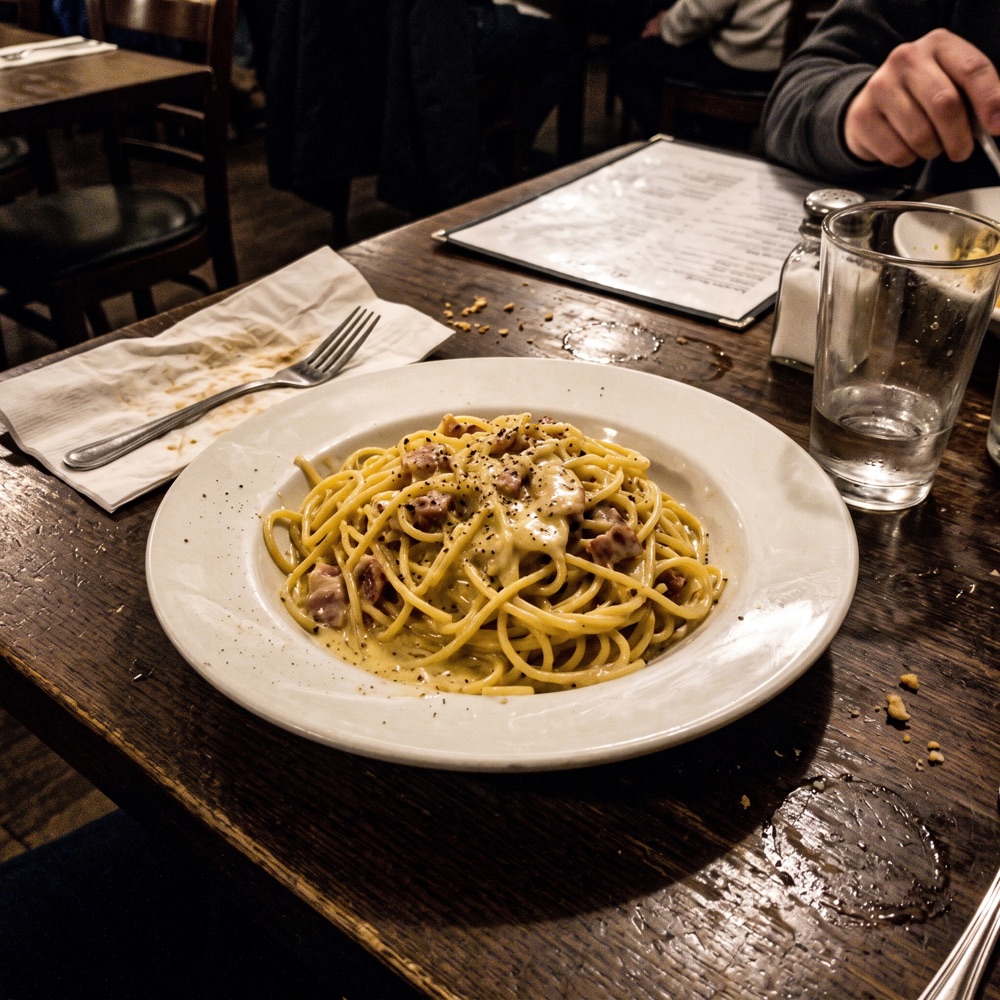

Photo Studio · Nano Banana Pro
0:48
“So, I wanted to say we reopen the terrace on Saturday, there's the new menu with pumpkin and… maybe a couple of lines for the blog?”
Blog · draft
From Saturday we are back outdoors: the terrace reopens with blankets, warm lights and the new autumn menu.
Pumpkin dishes arrive, from ravioli to risotto, plus pizzas with seasonal mushrooms.
Book your table: outdoor seats are few and weekends fill up fast.
Speech to Text · AI Writer
autumn-menu.pdf
your.place
The autumn menu is here: pumpkin ravioli, porcini and our pistachio pizza.
AI File Chat · AI Writer · Social Media
AI Video · AI Video Pro
Your brand
With Brand Voice you save tone, audience and products. Documents and results stay in your library: every new piece starts from there.
Tone
Direct and warm, never formal.
Audience
Families and young couples in town.
Products
Wood-fired pizzas, fried starters and desserts.
Industry
Food and hospitality.
Tagline
The oven is on every night.
Documents
menu-2026.pdf · price-list.pdf
Brand Voice · example
A customer asks
Do you deliver on Saturdays?
The studio replies
Yes, we deliver on Saturdays. Order on our website or give us a call.
For your industry
See how restaurants, online shops, creators, schools, professional firms and agencies use it. Illustrative scenes generated with AI.

Posts, articles and images for several clients, each with its own voice.
See the flow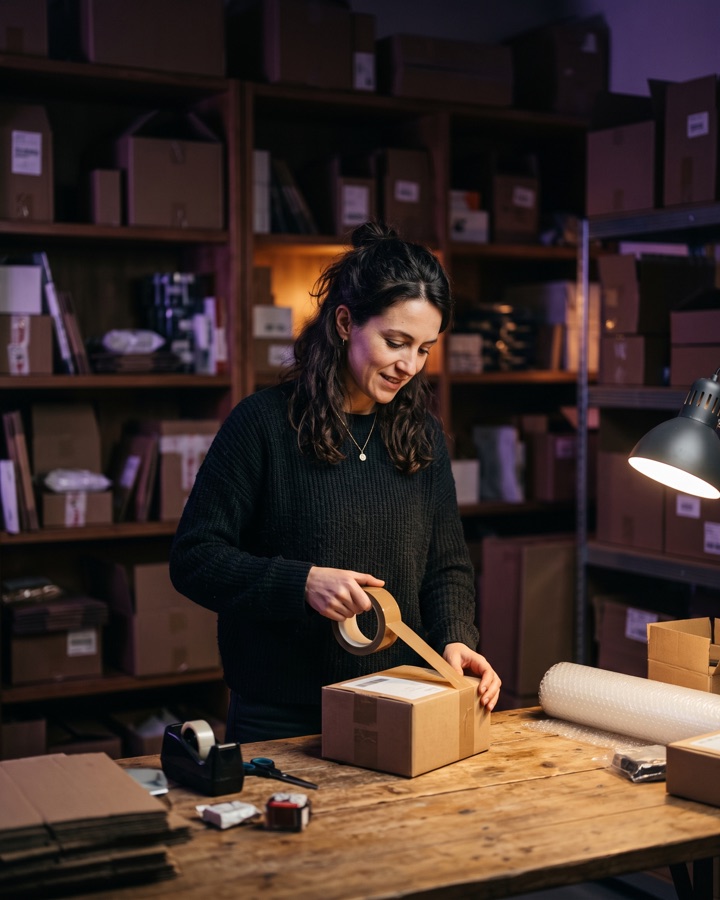
Product pages, descriptions and images for your catalogue.
See the flow
Menus, posts and voiceovers to tell the story of your place.
See the flow
Questions to your documents, summaries and drafts to review.
See the flow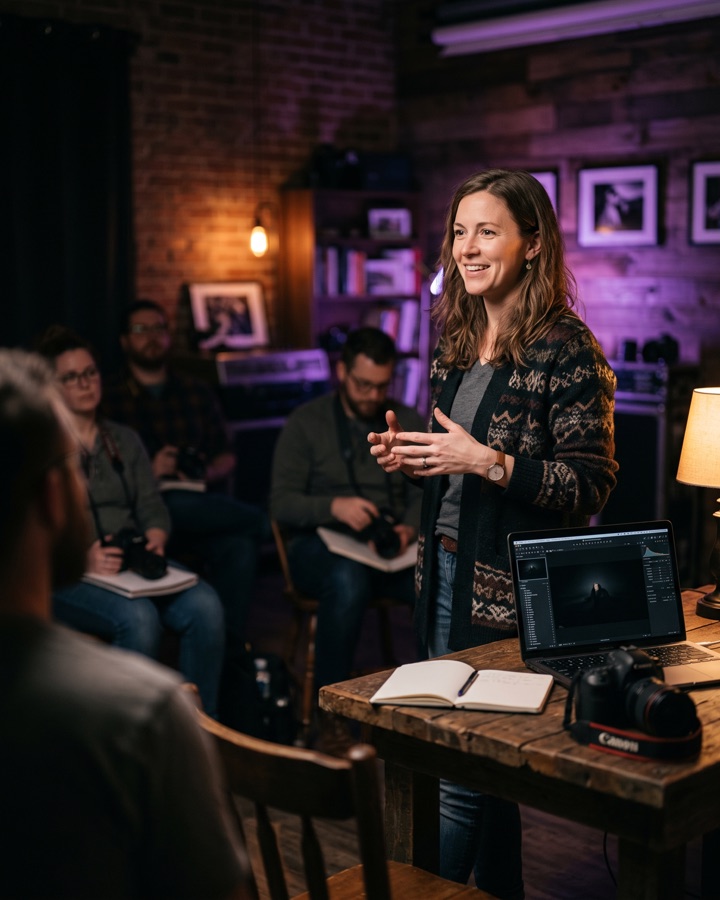
Handouts, summaries from videos and voiceovers for lessons.
See the flow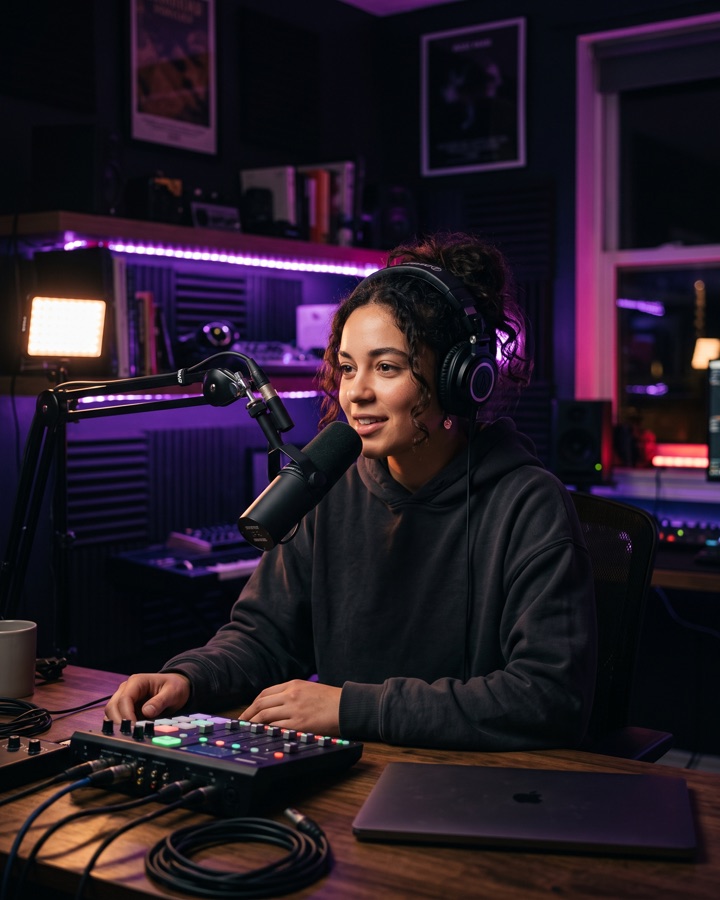
Articles, transcripts and covers for blogs and podcasts.
See the flowTools
Text, images, video, voice, social and clients, with the same credits and the same library.
Available tools and models depend on your plan.
Pricing
Prices are not published yet: the first 1,000 users will get an early bird price. Creating an account is free to try, with usage limits.
Reserved price
For those starting now
On quote
For firms and small teams
Tailored
For agencies and companies
For a quote, write to hello@spun.ai.
Questions
No. SPUN Studio runs in the browser: create an account and use the tools from the dashboard.
Writing with templates and Article Wizard, rewriting, images, video, voiceover, transcription, code and chat with documents. Available tools depend on your plan and on the models set up by the administrator.
Creating an account is free to try, with usage limits. Prices are not published yet: the first 1,000 users will get an early bird price. For teams, agencies and companies, write to us for a quote.
Yes. With Brand Voice you save your brand's details and tone and use them when you generate text.
In your account's document library: reopen, edit and export your content whenever you need it.
Yes. With Team you invite other people into the same workspace; availability depends on your plan.
The white-label version of SPUN Studio is in development. If you are interested, write to us.
Compatible with
In Web We Trust.
Create your account and write your first request. Free to try, with usage limits.
Your first request
It stays in this browser. After signing up, paste it as your first message.